Home & Garden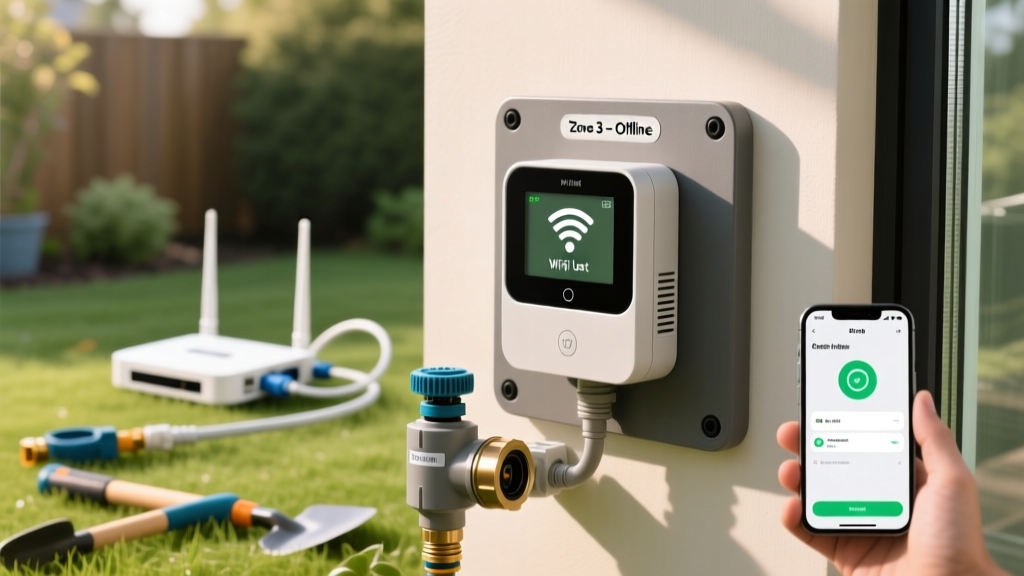
Troubleshooting Smart Irrigation: Fix Wi-Fi Sprinkler Issues
James MillerPublished
Introduction to Smart Irrigation Troubleshooting
Upgrading to a smart sprinkler controller is one of the most effective ways to bridge outdoor landscaping with indoor smart home ecosystems. Devices like the Rachio 3, Orbit B-hyve, and Hunter Hydrawise integrate seamlessly with platforms like Amazon Alexa, Google Home, and Apple HomeKit, offering unparalleled convenience and water conservation. According to the EPA WaterSense program, smart irrigation controllers can save the average home nearly 8,800 gallons of water annually by adjusting watering schedules based on local weather conditions. However, because these devices rely on a complex intersection of Wi-Fi networks, low-voltage electrical wiring, and cloud-based weather algorithms, they are uniquely susceptible to specific technical failures.
When your smart irrigation system fails, it rarely means the entire unit is broken. More often than not, the issue stems from a localized network conflict, a degraded solenoid, or a miscalibrated weather skip threshold. This comprehensive troubleshooting guide will help you diagnose and resolve the most common smart irrigation problems, saving you the cost of an unnecessary service call and keeping your lawn healthy.
The Wi-Fi Connection Dilemma: Offline Errors
The most frequent complaint among smart irrigation users is the controller suddenly appearing 'Offline' in the mobile app. Because your sprinkler system is usually located in a garage, basement, or exterior wall, it sits at the periphery of your home's Wi-Fi network. Furthermore, smart home IoT (Internet of Things) devices almost exclusively operate on the 2.4GHz Wi-Fi band due to its superior wall-penetration capabilities, while modern routers often default to a combined 2.4GHz/5GHz SSID or prioritize 5GHz.
Step-by-Step Wi-Fi Troubleshooting
- Verify the 2.4GHz Band: Log into your router settings and ensure the 2.4GHz band is enabled and broadcasting. If your network uses a single name (SSID) for both bands, temporarily separate them or use a smartphone connected strictly to the 2.4GHz band to re-provision the controller.
- Check Signal Strength: Smart controllers generally require a minimum signal strength of -70 dBm to maintain a stable connection to the cloud servers. Use a Wi-Fi analyzer app on your phone at the controller's location to verify signal integrity.
- Address IP Conflicts: If your router recently rebooted, it may have assigned the controller's reserved IP address to another device. Access your router's DHCP reservation table and assign a static IP address specifically to your irrigation controller's MAC address.
- Install a Wi-Fi Extender: If the signal is weak, install a weatherproof outdoor Wi-Fi extender or a mesh network node within 15 feet of the controller to bridge the connection gap.
Zone Failures: Solenoids, Valves, and Wiring
If your app shows that a zone is actively watering, but no water is coming out of the sprinkler heads, the problem is physical or electrical, not digital. Smart controllers send a 24-volt alternating current (24V AC) signal through the common wire and the specific zone wire to activate the valve's solenoid. As noted by the Colorado State University Extension, electrical faults in the field wiring or degraded solenoids are the primary culprits for single-zone failures in automated systems.
Diagnosing the Solenoid and Valve
A solenoid is a small, cylindrical electromagnetic coil attached to the valve. Over time, water intrusion or electrical surges from lightning can burn out the internal copper windings. To test this, you will need a digital multimeter.
- Test the Controller Output: Set your multimeter to measure AC Voltage (VAC). With the zone manually triggered via the app, touch the probes to the 'Common' terminal and the 'Zone' terminal on the controller's wiring bay. You should read between 22V and 28V AC. If you read 0V, the controller's internal relay is fried.
- Test the Field Wiring and Solenoid: Set your multimeter to measure Resistance (Ohms/Ω). Disconnect the zone wire and common wire from the controller. Touch the probes to the bare ends of these two wires. A healthy solenoid will read between 20 and 60 ohms. A reading of 'OL' (Open Loop) indicates a broken wire or a burnt-out solenoid. A reading near 0 indicates a short circuit.
Diagnostic Table: Smart Irrigation Symptoms and Fixes
Use the following diagnostic chart to quickly identify the root cause of your smart irrigation issues based on the symptoms presented in your mobile app and your physical landscape.
| Symptom | Potential Cause | Diagnostic Step | Actionable Solution |
|---|---|---|---|
| Controller shows 'Offline' | 2.4GHz/5GHz router conflict or weak signal | Check router band settings; test dBm at controller | Separate SSIDs; install Wi-Fi mesh node |
| Zone runs in app, no water | Blown solenoid or severed field wire | Test resistance (Ohms) at controller terminals | Replace solenoid ($12) or splice broken wire |
| All zones fail to run | Tripped GFCI outlet or blown master valve fuse | Check transformer voltage (24V AC); check GFCI | Reset GFCI; replace 24V transformer or fuse |
| System skips watering despite dry soil | Hyper-local weather station reporting false rain | Review app's weather intelligence history logs | Change weather data source; adjust rain skip threshold |
| Controller screen is blank | Power supply failure or loose terminal block | Test voltage at transformer and terminal block | Reseat ribbon cable; replace power supply |
Weather Intelligence and Hyper-Local Data Skips
One of the most frustrating 'phantom' problems occurs when your smart controller refuses to water your lawn, even during a drought, because it believes it has rained. According to the University of Georgia Extension, smart controllers rely on Evapotranspiration (ET) data and local weather station feeds to calculate soil moisture depletion. However, if your app is pulling data from a weather station located five miles away that experienced a localized microburst, your lawn will be unfairly skipped.
How to Fix Weather Skip Errors:
- Change the Weather Station: Dive into your app's advanced settings and manually select a different local weather station or airport data feed that more accurately reflects your specific microclimate.
- Adjust Rain Delay Thresholds: Most apps allow you to set the millimeter threshold for rain skips. If your system is skipping on traces of rain (e.g., 0.05 inches), raise the skip threshold to 0.15 inches to ensure only meaningful precipitation cancels a watering cycle.
- Integrate a Local Soil Moisture Sensor: For ultimate accuracy, bypass cloud-based weather data entirely by wiring a physical soil moisture sensor (like the Hunter Soil Clik) into the controller's sensor terminals. This provides hyper-local, ground-truth data directly from your root zone.
Step-by-Step Hard Reset and Reconnection Guide
If your smart controller is caught in a boot loop, failing to connect to the cloud, or exhibiting erratic zone behavior, a hard reset is often required to clear corrupted cache data. Note that this will erase your local scheduling data, forcing you to rely on the cloud backup.
- Power Down: Unplug the controller's power supply from the wall outlet. If your model has a backup battery, remove it.
- Discharge Capacitors: Press and hold the physical 'Stop' or 'Reset' button on the unit for 30 seconds while it is completely unpowered. This drains residual electricity from the logic board.
- Reboot and Provision: Plug the power supply back in. Wait for the LED indicator to flash (usually yellow or blue, depending on the brand). Open your mobile app, delete the 'offline' device from your dashboard, and initiate the 'Add New Device' sequence.
- Re-Zone the System: Walk your property and manually trigger each zone from the app to re-label them correctly, ensuring your new smart schedules map to the correct physical areas of your landscape.
Cost Breakdown for Repairs and Replacements
Before calling an irrigation professional, consider the actual cost of DIY repairs versus replacement. Smart controllers are highly modular, meaning you rarely need to replace the entire system.
- Solenoid Replacement: $10 - $18 per valve. Requires only a screwdriver and wire nuts.
- 24V AC Transformer: $15 - $25. A universal plug-in transformer can revive a completely dead controller.
- Wire Splice Kit (Gel Caps): $8 - $12. Essential for repairing severed field wires caused by lawn aerators or edging tools.
- Full Controller Replacement: $150 - $280. Necessary only if the internal logic board or Wi-Fi chip has suffered a catastrophic power surge.
- Professional Service Call: $75 - $150 per hour. Usually only required if a master valve or pump start relay is miswired, or if field wiring requires extensive trenching to replace.
Conclusion
Troubleshooting a smart irrigation system requires a methodical approach that bridges digital network diagnostics with traditional low-voltage landscape wiring. By understanding the limitations of 2.4GHz Wi-Fi bands, learning how to test a 24V AC solenoid with a multimeter, and properly calibrating your weather intelligence thresholds, you can maintain a highly efficient, automated outdoor watering system. Not only will this save you money on professional repair bills, but it will also ensure your landscape receives the precise hydration it needs, honoring the water conservation promises of smart home technology.
